Canva
Best for social graphics, presentations, and branded content. Free tier available.
Open Canva→Your first AI screen
Product photos, social graphics, presentation slides — you've been hiring designers or struggling with templates. AI design tools turn a rough idea into polished visuals in minutes. We recommend Canva.
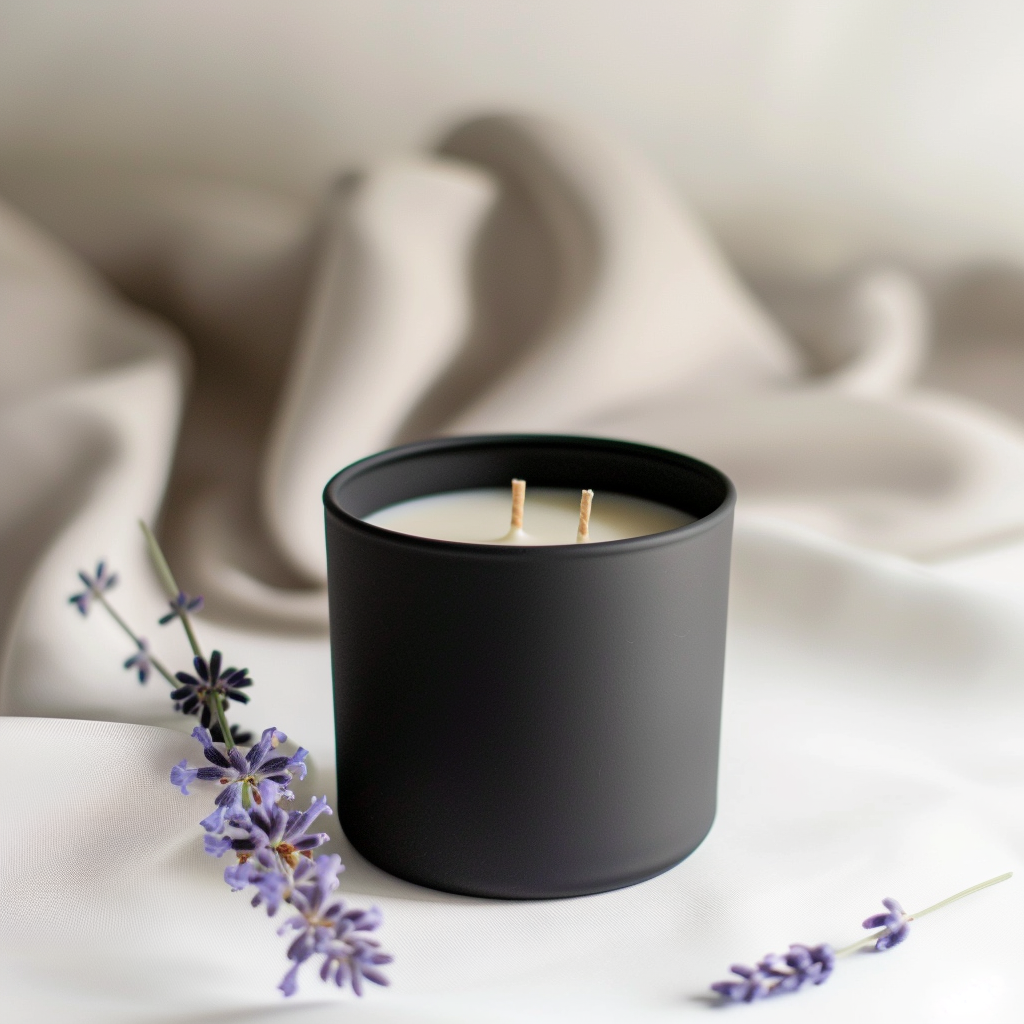
Midjourney generates product photography from a text description.
Ember & Co
Lavender Dreams
Summer Collection
Canva turns that photo into a branded Instagram post.
Product photography
Studio-quality product shots from a text description. No camera, no studio, no photographer.
Social media graphics
Instagram posts, story templates, LinkedIn banners. Start from templates, apply your brand colors, and keep a consistent visual identity.
Presentations & decks
Pitch decks, client presentations, internal reports. Several AI tools handle this well — pick based on complexity.
Brand assets
Logos, color palettes, font pairings, brand kits. Set them up once, then every new design stays on-brand automatically.
Midjourney — generate new images from scratch. Product photos, lifestyle shots, artistic visuals.
Canva — design layouts with existing images. Social posts, presentations, marketing materials.
Best together: Generate the image in Midjourney V7 (use Draft mode for speed), design the layout in Canva.
Best for social graphics, presentations, and branded content. Free tier available.
Open Canva→Best for product photography and artistic visuals. Requires Discord.
Open Midjourney→Canva is our top pick, but these work well too.
Midjourney
Artistic, photorealistic, and product images
Gamma
Presentations, documents, and interactive websites
Once you're making visuals, pair them with AI-written copy.
See the full solopreneur workstation→