Social campaign from one photo.
You have one great product photo. Canva’s AI Design Model turns it into brand-consistent social graphics for every platform — and image-to-video makes them scroll-stopping. We recommend Canva.
See it in action
Ember & Co
Lavender Dreams
Summer Collection
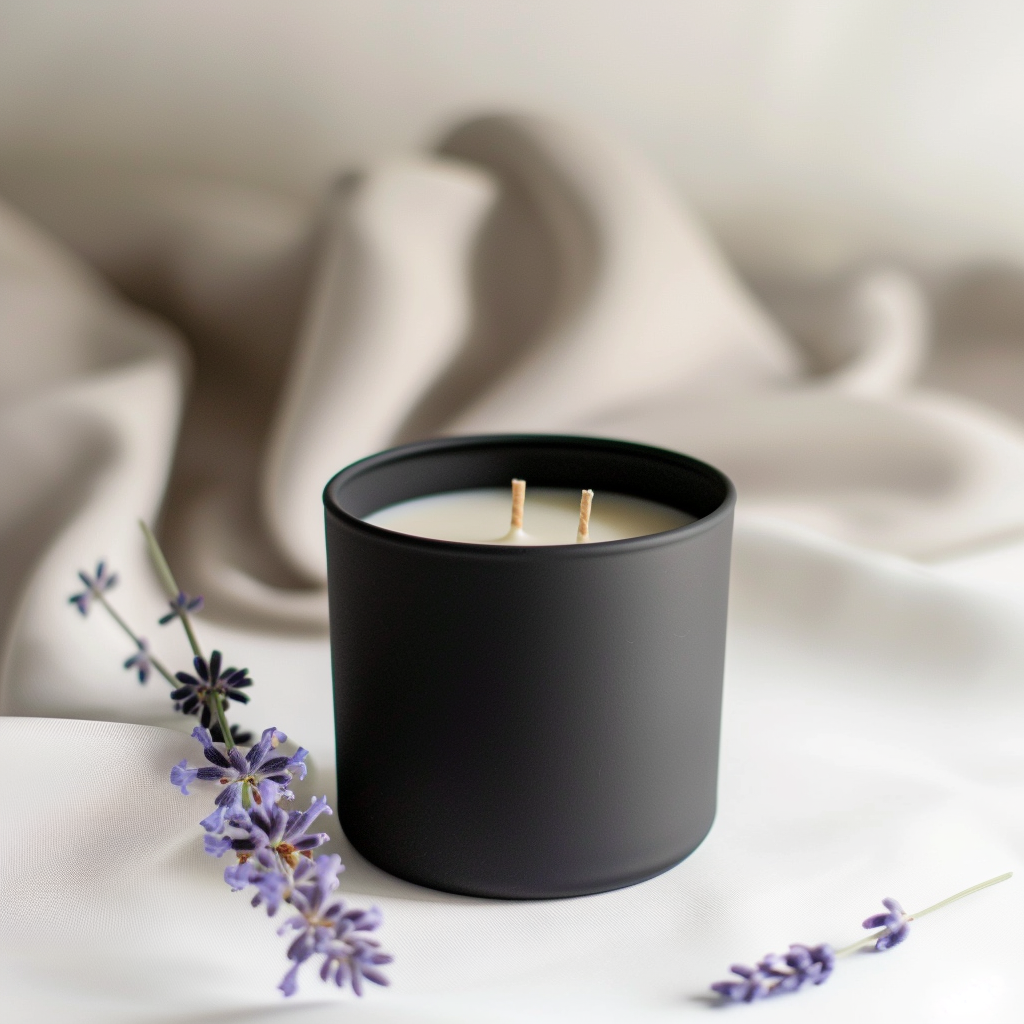
Your product photo becomes the canvas background. The design tool layers brand elements, text, and a CTA on top. Shown here with Canva.
The workflow
Import your photo
Upload your AI-generated image as the canvas background. Use a background remover to isolate the product if needed.
Pick a template
Start with Instagram Post (1080×1080), then use Magic Resize for Stories (1080×1920), Facebook Cover (820×312), and more.
Add brand elements
Upload your logo, set your brand colors and fonts in a Brand Kit. The AI Design Model generates layouts that understand your brand hierarchy automatically.
Layer text and CTA
Add your product name, tagline, and call-to-action. Keep text minimal — the photo should do the heavy lifting.
Export for every platform
Resize for all platforms at once. Use image-to-video to turn stills into polished video posts. Download or schedule directly from the tool.
Before you start
Gather these before opening Canva:
Other tools for social campaign
Canva is our top pick, but these work well too.
Midjourney
Artistic, photorealistic, and product images
Buffer
Scheduling social media content
Runway
Text-to-video, image-to-video, and AI filmmaking